INPUT & SOCIAL
VR and Screen Mode Controls
Checked 2026-11-25 · Covers SteamVR tracked controllers and desktop Screen Mode
Compare 6DoF VR tracked-controller interactions with mouse-and-keyboard desktop Screen Mode bindings, social gestures, and cross-platform party features.
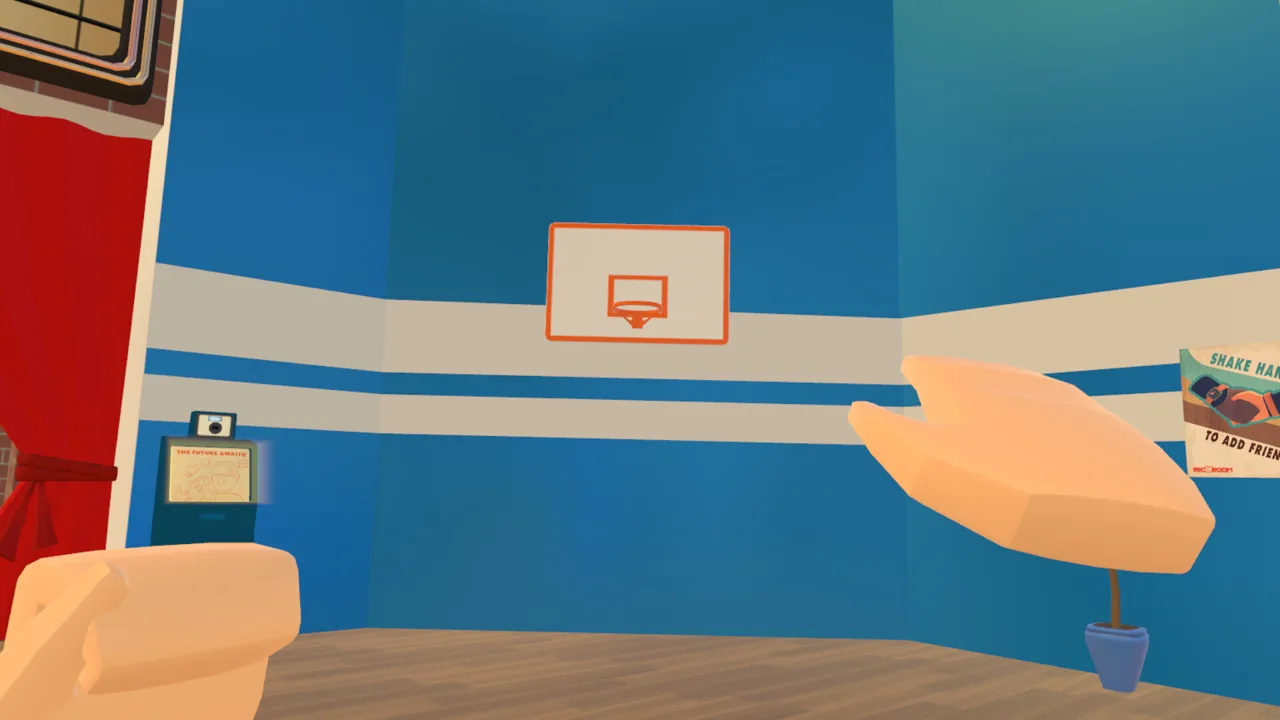
VR Mode vs Desktop Screen Mode Side-by-Side
Because Rec Room: A New Semester supports both Tracked Controller VR and Desktop Screen Mode, every core action maps across both setups:
| Action | VR Mode (6DoF Tracked Controllers) | Desktop Screen Mode (Mouse & Keyboard) |
|---|---|---|
| Movement | Thumbstick smooth walk or teleport arc (selectable in Watch comfort settings) | W A S D directional walking + Shift sprint + Space jump |
| Camera & Turning | Natural head rotation + snap-turn or smooth-turn on dominant thumbstick | Mouse look with first-person or third-person camera toggle |
| Grab / Drop Props | Grip button or trigger close to basketballs, paddles, darts, or tools | Interact / primary mouse click when crosshair highlights an object |
| Use Held Item | Index trigger on the hand holding the tool or Creator Pen | Left-click primary use / right-click secondary aim or alternate tool |
| Watch Menu | Raise your non-dominant wrist and look at the Watch face | Dedicated Watch shortcut key (configurable in Settings) |
| Social Gestures | Wave, high-five, fist-bump, or shake hands to add friends physically | Quick emote wheel and player profile interaction menu |
Locomotion & VR Comfort Settings
New VR players entering Rec Center sports or fast PvP arenas should configure comfort options immediately inside the Watch menu before queuing into action rooms:
- Teleport vs Smooth Walk: Teleport eliminates artificial motion sickness during long Creator Pen building sessions, while smooth walk offers continuous strafing in PvP maps.
- Snap Turning: Setting 30° or 45° snap increments keeps orientation sharp without inducing inner-ear drift.
- Seated vs Standing Calibration: Recalibrate floor height after switching between desk play and standing play so floor pickups (like basketballs or dropped props) remain reachable without crouching into furniture.
Parties, Messaging & Cross-Platform Play
The official Steam listing confirms five built-in social modules for App ID 4877420:
- Friend System: Add players through in-world interactions (such as the Rec Center handshake gesture) or directly via player profiles.
- Parties: Group up before entering custom rooms so the entire squad loads into the same server instance together.
- Private Messaging & Invites: Send room invites directly to online friends without dropping out of your current lobby.
- Player Profiles: Inspect creator handles, published rooms, and avatar customization.
- Cross-Platform Multiplayer: Mix PCVR headsets and desktop Screen Mode teammates seamlessly.
Exact rebindable key tables for Early Access builds will be audited after Steam launch; until then, default Screen Mode key overrides remain Unverified outside standard WASD/mouse conventions. Check our VR and PC setup guide to confirm headset readiness, or head to the Creator Pen guide to plan your first room.
Frequently Asked Questions
Can VR players and desktop Screen Mode players join the same party?
Yes. Steam App ID 4877420 lists Cross-Platform Multiplayer, Online Co-op, Online PvP, parties, invites, and private messaging across VR and flat-screen desktop players.
How do you add friends inside the Rec Center?
As shown on the in-game Rec Center poster, VR players can physically shake hands with another avatar or open the Watch menu to send friend requests, party invites, and private messages.